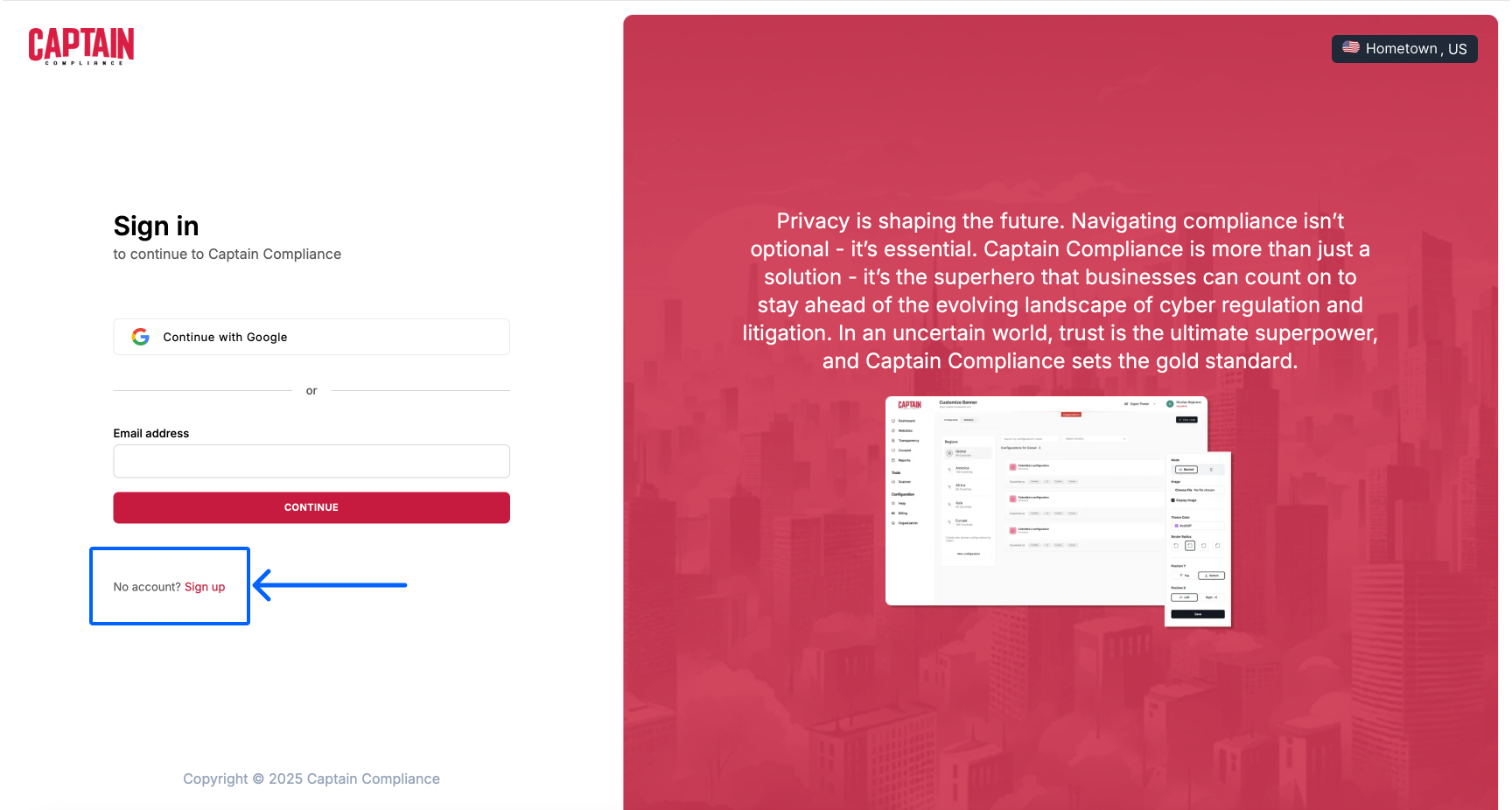
How to Register for the Captain Compliance Platform
Registering your new Captain Compliance account takes just a few clicks. If you need any help, please see the following video and documentation.
In this video, I walk you through the steps to manually set up a Captain Compliance account. I demonstrate how to access the site and create your account. It's a straightforward process, but if you have any issues we're here to help.
Breakdown
To access the registration screen, go to the Captain Compliance website.
https://captaincompliance.com/
Click "Get Started" in the top right corner of the page.
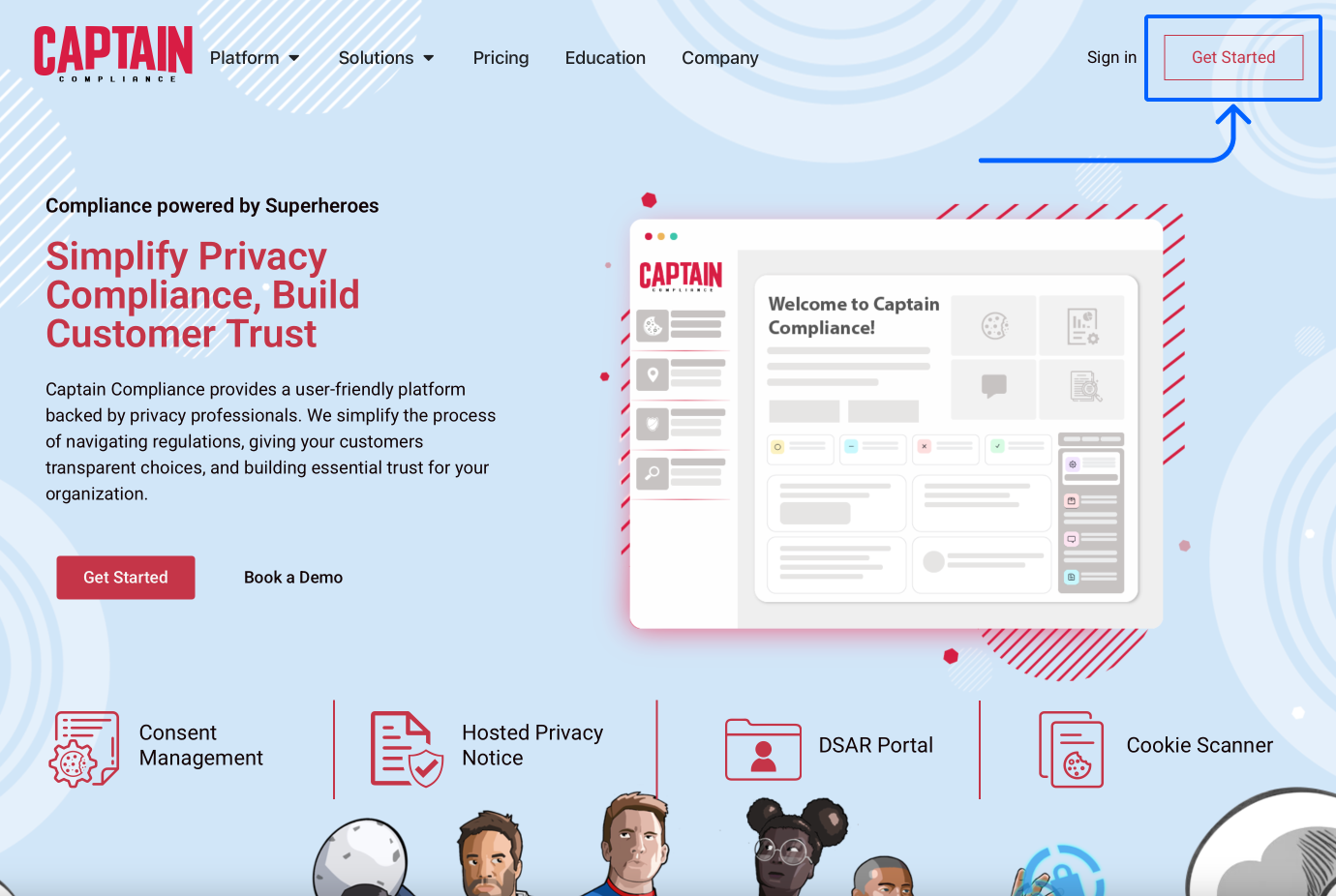
This will take you directly to the sign up version of the app's access page.
https://app.captaincompliance.com/sign-up
Here you can sign up via Google or manually enter your information.
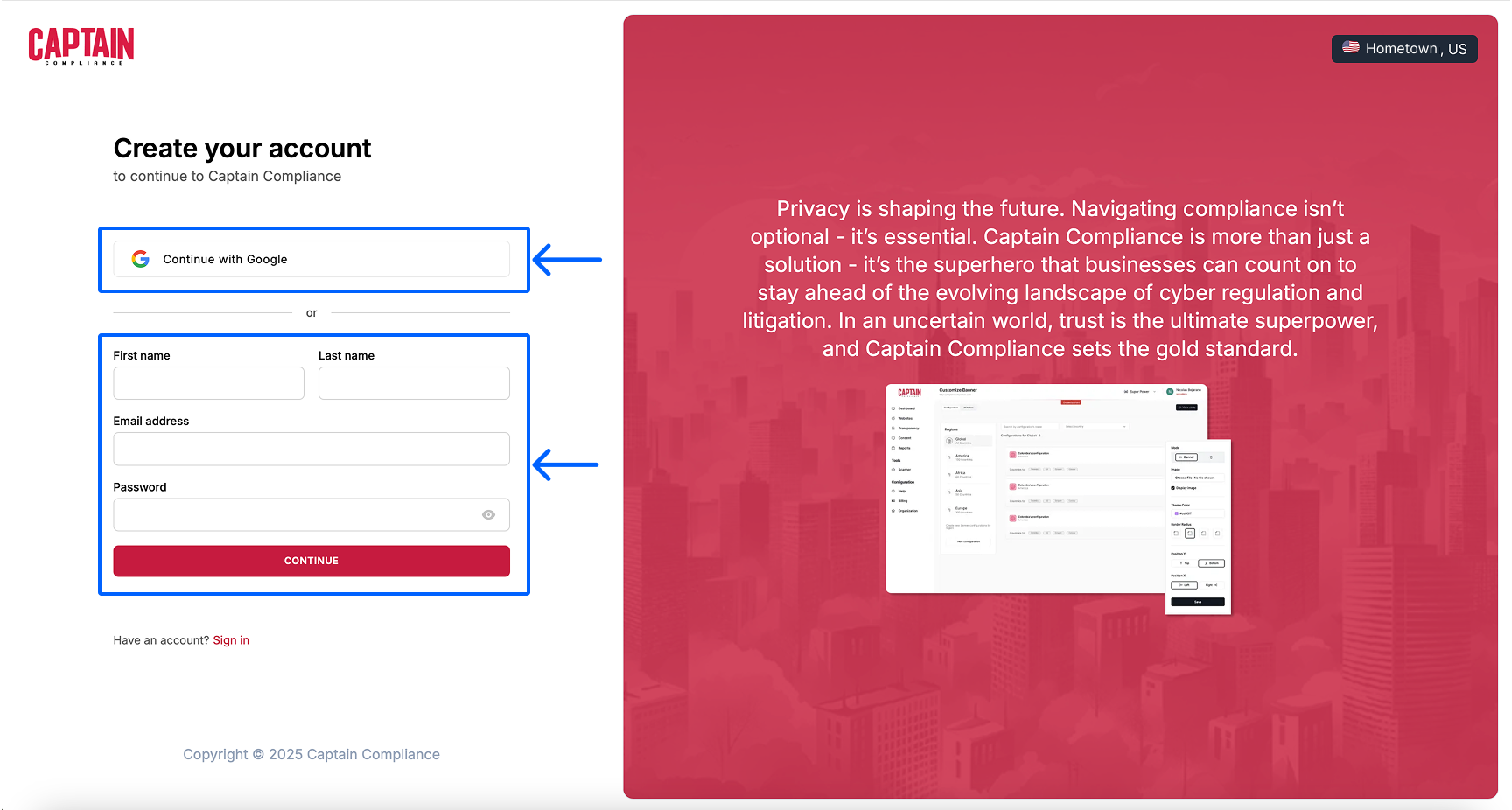
If you enter your information manually, you will need to verify your email address.
A verification code will be sent to your Email address.
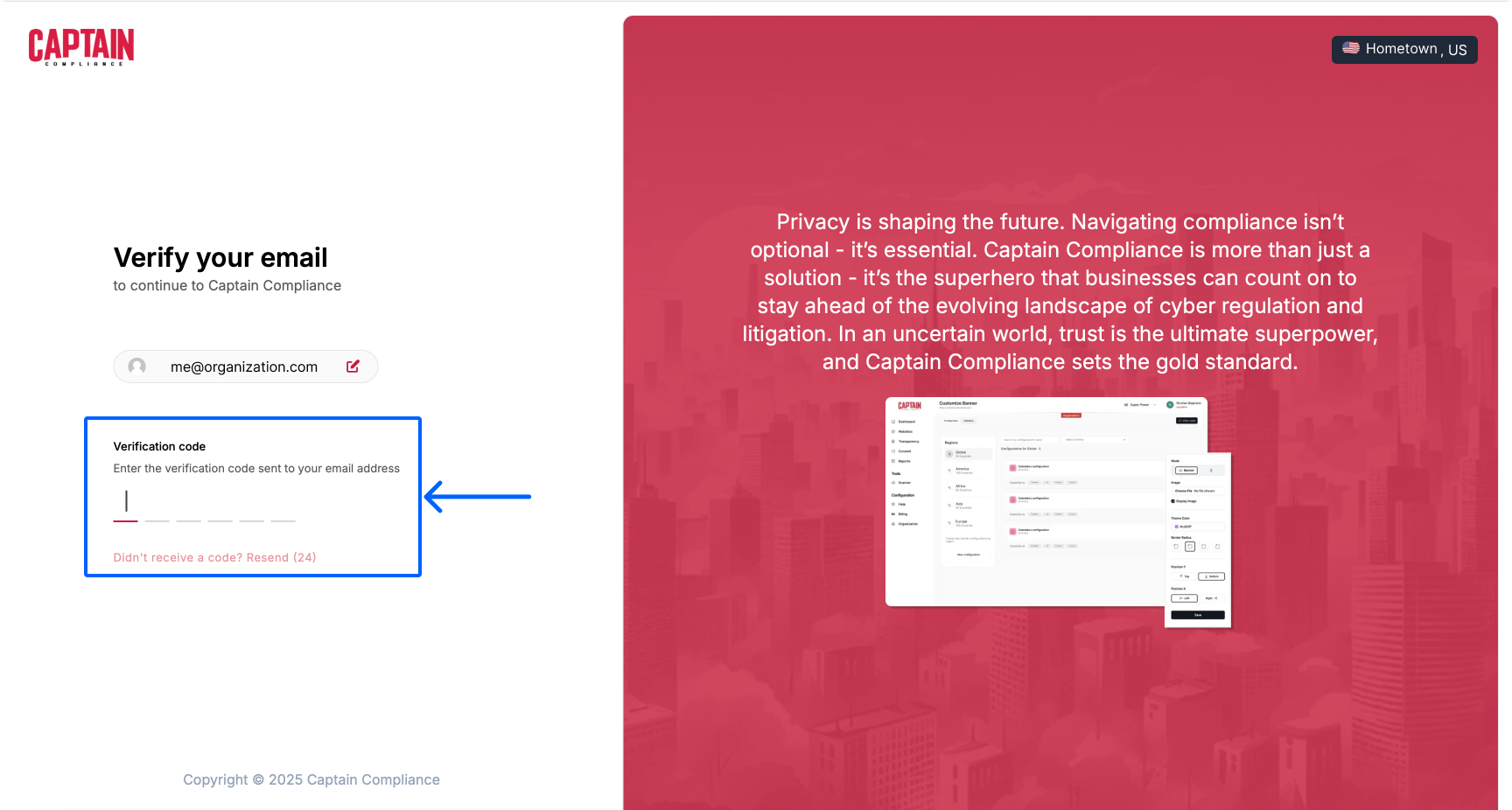
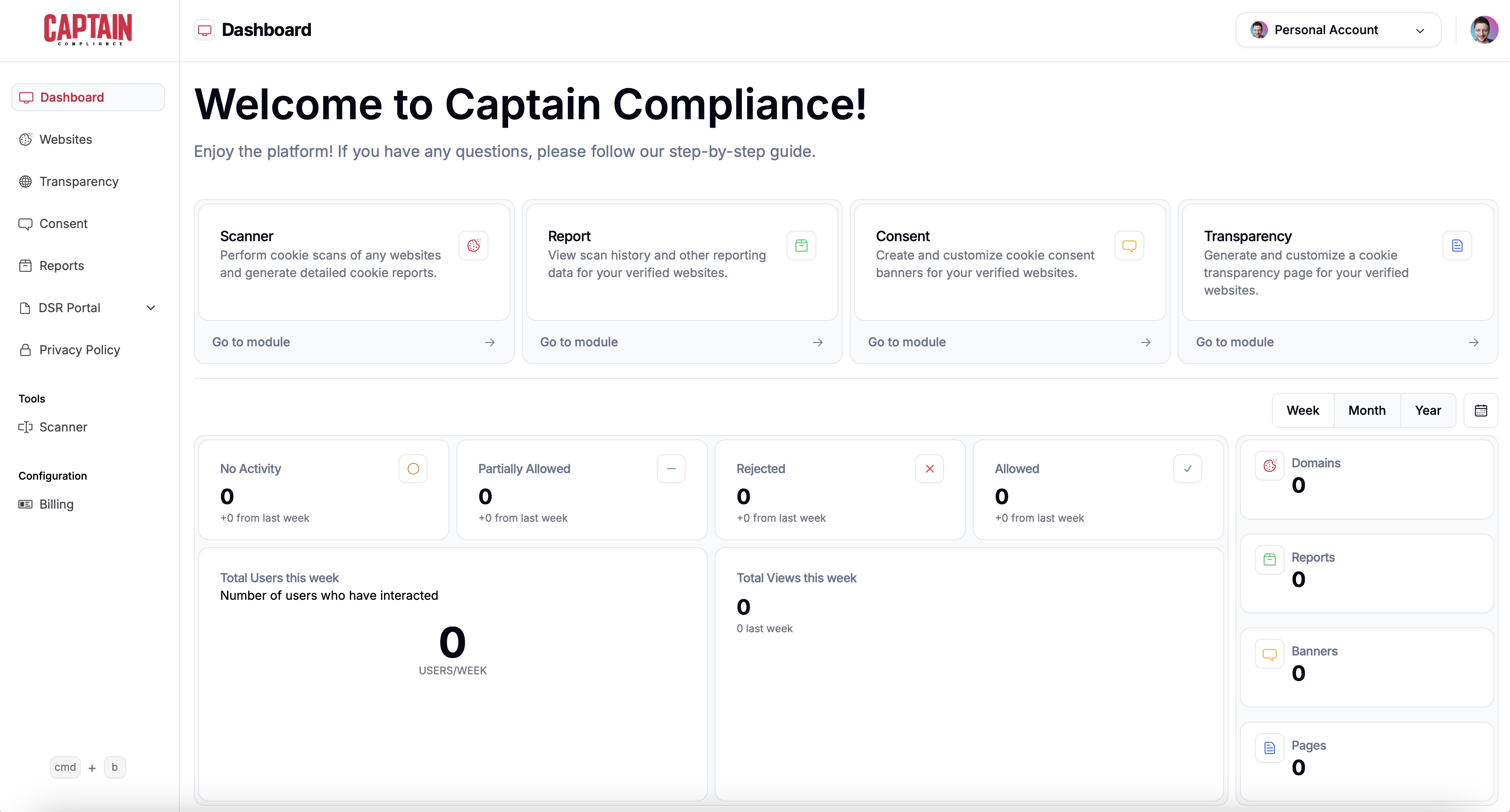
Once your account is connected via Google or Verified via Email, you will be taken directly to your new Captain Compliance dashboard.
Note:
If you choose to go directly to http://app.captaincompliance.com/, you will be taken to the "Sign in" screen. Select "Sign up" to be rerouted to registration.